Your SD Card Has 4 Hours of Gold. Find It in 3 Minutes.
You spent the day skating, snowboarding, or flying your FPV quad. Somewhere in 4 hours of 4K footage are 30 seconds of absolute gold — the gap grind, the powder drop, the proximity dive under a bridge. Onset Engine's motion_score AI finds them automatically and weaves them together, beat-synced to your track.
The Problem
You spent the day skating, snowboarding, or flying your FPV quad. You've got 4 hours of 4K footage on an SD card. Somewhere in there are 30 seconds of absolute gold — the gap grind, the powder drop, the proximity dive under a bridge.
Finding those moments means scrubbing through 240 minutes of footage. Then cutting them into a montage. Then syncing the cuts to music. For most action sports creators, the footage lives on the SD card forever because the editing takes longer than the activity itself.
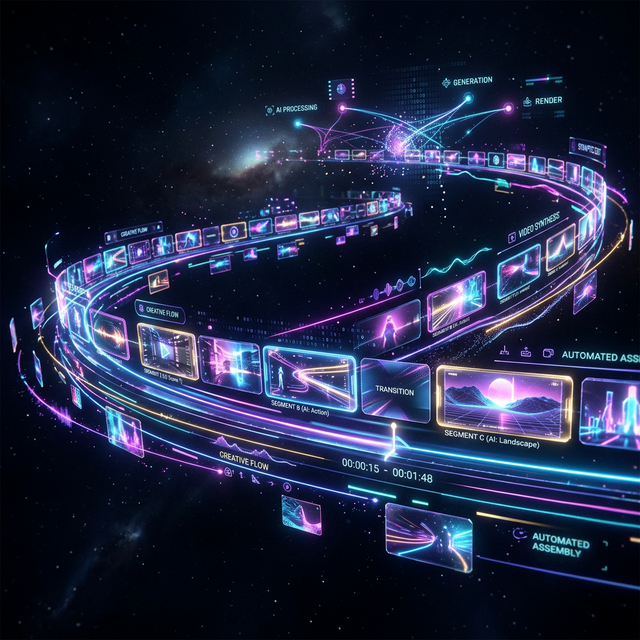
Automatic Highlight Extraction
During ingest, Onset Engine computes a motion_score for every clip segment and encodes its visual content as a 768-dimensional CLIP vector. High-velocity drone dives, skateboard tricks, and snowboard jumps have distinctive motion signatures that the engine identifies automatically.
- ✓ Motion Scoring: Every 3-second clip gets a numerical dynamism rating — fast action scores high, idle footage scores near zero
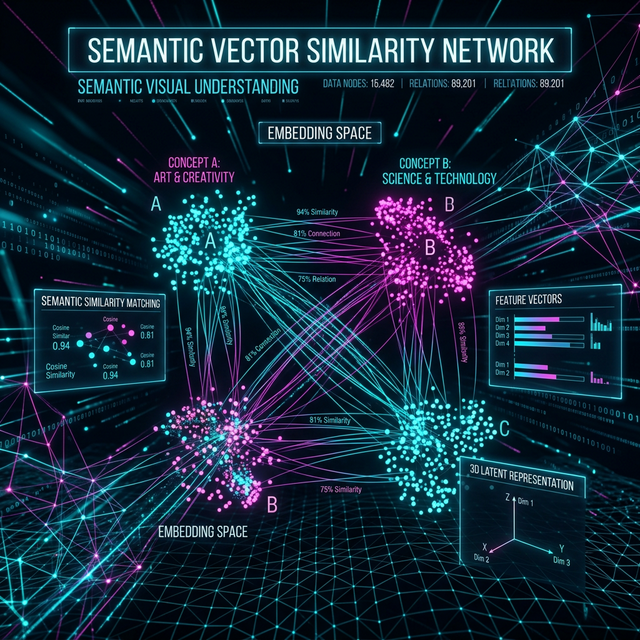
- ✓ Semantic Understanding: CLIP vectors distinguish "drone diving through a gap" from "drone hovering over a parking lot"
- ✓ Pointer-Only Ingest: Index 100GB of 4K footage without duplicating files — the database just stores references
- ✓ Beat-Mapped Assembly: High-motion moments land on drops and peaks. Low-motion scenic shots fill the quiet intros
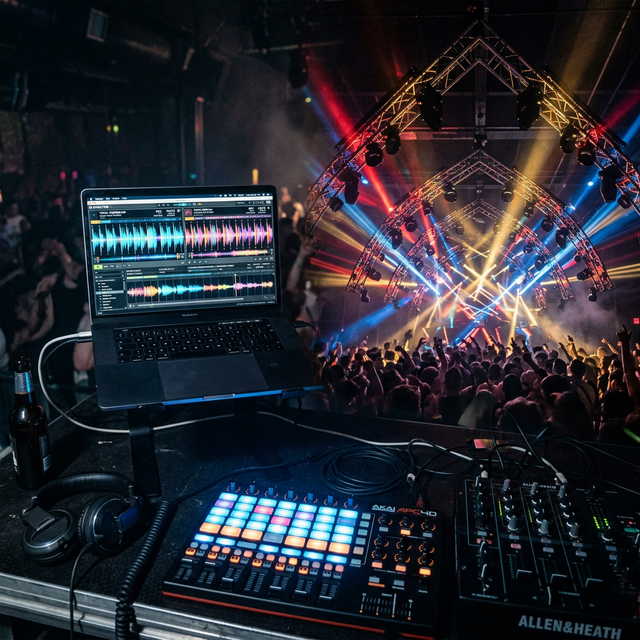
The Workflow
Ingest Your SD Card
Point Onset Engine at the DCIM folder. Pointer-only mode indexes the 4K files in-place — no copying, no transcoding, no proxy wrangling.
Pick a Track
Drop in your edit music. Onset Engine maps every beat, energy curve, and drop zone — building the temporal blueprint for your montage.
Autopilot or Curate
Full auto: Onset Engine picks the best clips and maps them to beats. Or browse the scored library, lock your favorites, and re-roll the rest.
Render or Hand-Off
Render with NVENC at 1080p or 4K. Or export an OTIO timeline to DaVinci Resolve for color grading and final polish.
Why Not GoPro Quik or iMovie?
GoPro Quik is a phone app. It makes 15-second clips with canned transitions and no beat-sync. iMovie doesn't understand what's in your footage. Neither tool has semantic understanding — they're randomly trimming files and hoping for the best.
Onset Engine runs OpenCLIP ViT-L/14 on your local GPU. It computes 768-dimensional embeddings for every clip. It knows the difference between a proximity dive and a takeoff hover. It doesn't guess — it calculates. And it costs $119 once, not $0 + your soul in cloud uploads.
Process footage at the mountain lodge, on the road, or anywhere without Wi-Fi. Your footage never leaves your machine. Your SD card stops being a graveyard.
Ready to Try It?
Download the free demo and see the results on your own footage. One-time purchase, no subscriptions.