Sequence a 4TB Library Without Copying a Single File
Point Onset Engine at your external drives and NAS shares. The AI indexes every frame, building a searchable semantic database — without duplicating your footage.
The Archival Problem
You have 4TB of video scattered across external drives, NAS shares, and project folders. Traditional editors require importing media into their project — duplicating files, consuming disk space, and creating organizational chaos.
Finding a specific clip means scrubbing through thousands of files. And creating a compilation from that library? Hours of manual selection.
Pointer-Only Ingest
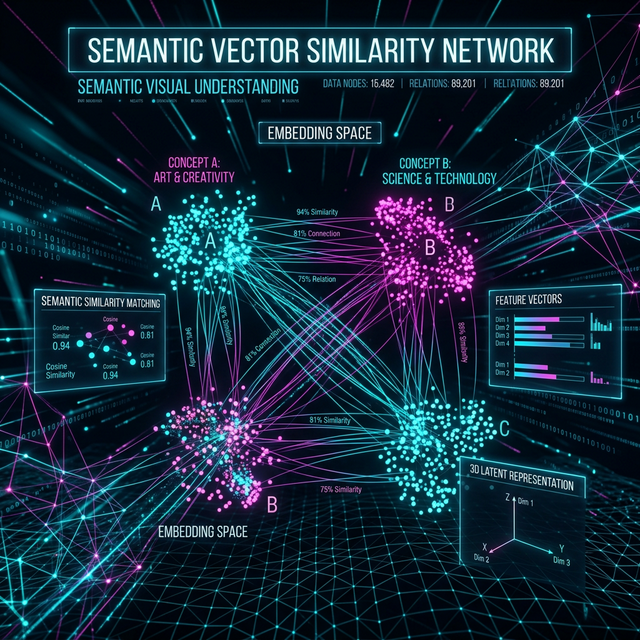
Onset Engine's --skip-clip-export mode creates virtual pointers in the database — no file duplication, zero extra disk space. The AI still computes full CLIP embeddings for semantic search.
- ✓ Zero Duplication: Database stores pointers to original files on any mounted drive
- ✓ Semantic Search: Find "sunset over ocean" or "crowd cheering" across your entire collection instantly
- ✓ Few-Shot Tagging: Tag 5 clips with a subject, the AI finds hundreds more automatically
- ✓ Star Ratings: Use Crate Digger to rate clips during renders, building a curated favorites collection
- ✓ Multi-Drive: Index footage across external drives, NAS, and local paths simultaneously

The Workflow
Point to Folders
Select your video directories. Onset Engine scans every folder recursively, finding all supported video formats.
AI Indexing
OpenCLIP analyzes key frames. Embeddings are stored in the local SQLite database. Files stay where they are.
Search & Select
Use text prompts to find clips semantically. Or let Autopilot select the best clips for a given music track and driver.
Sequence & Export
Render a compilation, export an OTIO timeline, or mix it live in DJ Mode — all from your pointer-indexed library.
Ready to Try It?
Download the free demo and see the results on your own footage. One-time purchase, no subscriptions.