Beat Sync Without the Plugin Tax
Plugins trap you inside an Adobe subscription and slow down your timeline. Onset Engine is a standalone, lightweight executable. It builds the timeline for you using AI, then exports a .otio file so you can finish the grade in DaVinci Resolve — no Adobe required.
The Plugin Problem
BeatEdit for Premiere Pro costs $119.99. It requires an active Adobe CC subscription ($55/month). It runs inside Premiere's ExtendScript engine — which means it inherits Premiere's memory management, GPU utilization, and crash frequency.
Premiere Composer is free but locks you into Adobe's ecosystem. AutoMontage is abandoned. Every "beat sync" plugin you find is a thin JavaScript wrapper that depends on a $660/year host application to function.
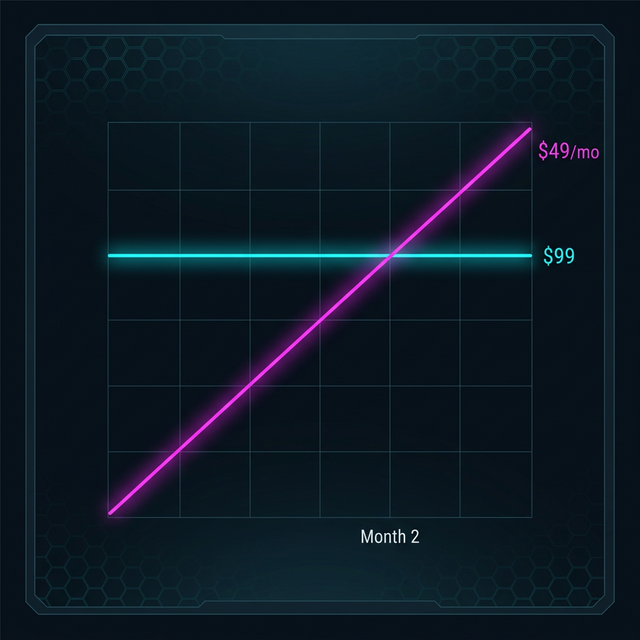
You're paying $760+/year for the privilege of syncing cuts to beats. The actual beat detection math takes 3 seconds on a modern CPU.
Standalone. No Host App Required.
Onset Engine is a standalone executable. It doesn't run inside Premiere, Resolve, or any NLE. It runs on its own — analyzing audio, understanding footage, and building timelines independently.
When it's done, it exports an OpenTimelineIO (.otio) file. Drag that into DaVinci Resolve, Premiere, or any OTIO-compatible NLE. Your clips are pre-placed, beat-synced, and ready for color grading. No plugin conflicts, no ExtendScript crashes, no "effect not found" errors.
- ✓ No Adobe Subscription: Onset Engine runs independently. Use DaVinci Resolve (free) for the final grade
- ✓ No Plugin Compatibility Issues: It's not a plugin — it can't conflict with your other extensions
- ✓ AI-Powered Selection: Doesn't just sync cuts to beats — it picks the right clips semantically
- ✓ Contrastive Scoring: Measures tier specificity, not just absolute similarity. Tier 1 actually gets calm clips, not the CLIP model's highest-confidence content
- ✓ OTIO Export: Industry-standard timeline interchange format. Works with Resolve, Premiere, Avid, and more

The Professional Workflow
Ingest in Onset Engine
Point at your footage folder. CLIP analyzes every clip. Motion scores, embeddings, scene types, and moods — all computed locally on your GPU.
Load Your Track
Onset Engine maps beats and energy. The driver system assigns clip tiers to musical intensity. The entire timeline is built mathematically.
Generate Timeline
Review the AI-proposed timeline. Lock clips you like. Re-roll the rest. Or accept the full autopilot result.
Export OTIO
One click. The .otio file drops into DaVinci Resolve with clip references, in/out points, and beat-synced positions. Grade it. Ship it.
What About BeatEdit?
BeatEdit is a good tool — for 2015. But it only does beat detection and marker placement inside Premiere's aging ExtendScript engine. It doesn't analyze your footage. It doesn't know what's in your clips. It doesn't pick the right clip for the right moment. And it crashes on large projects because ExtendScript runs out of memory.
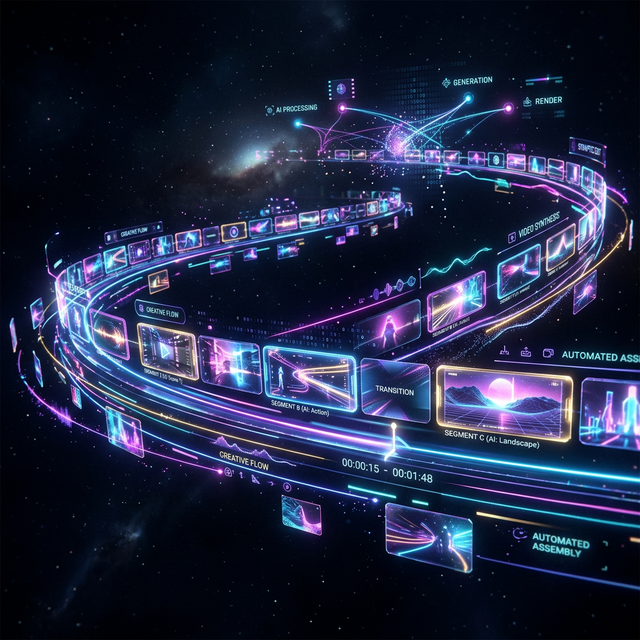
Onset Engine does the full pipeline: audio analysis + visual analysis + semantic selection + timeline assembly + rendering + OTIO export. It replaces the entire rough-cut workflow, not just the beat-marking step. You're not adding a band-aid to Premiere — you're replacing the bottleneck entirely.
And when you're done with the rough cut, you hand off to your NLE via OTIO for the grade. Best of both worlds. No vendor lock-in.
Ready to Try It?
Download the free demo and see the results on your own footage. One-time purchase, no subscriptions.